


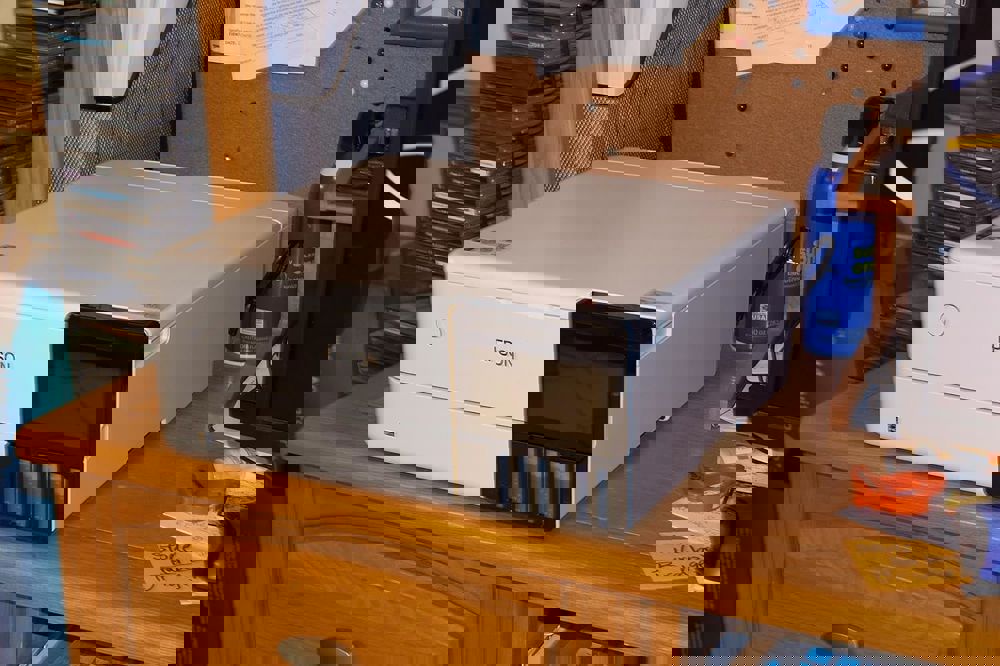
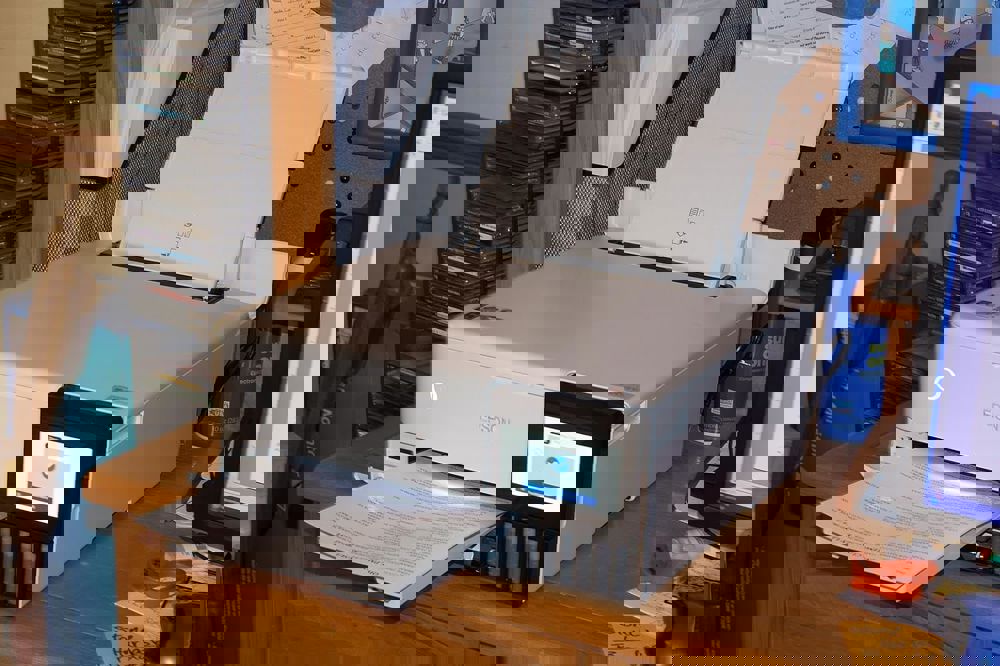
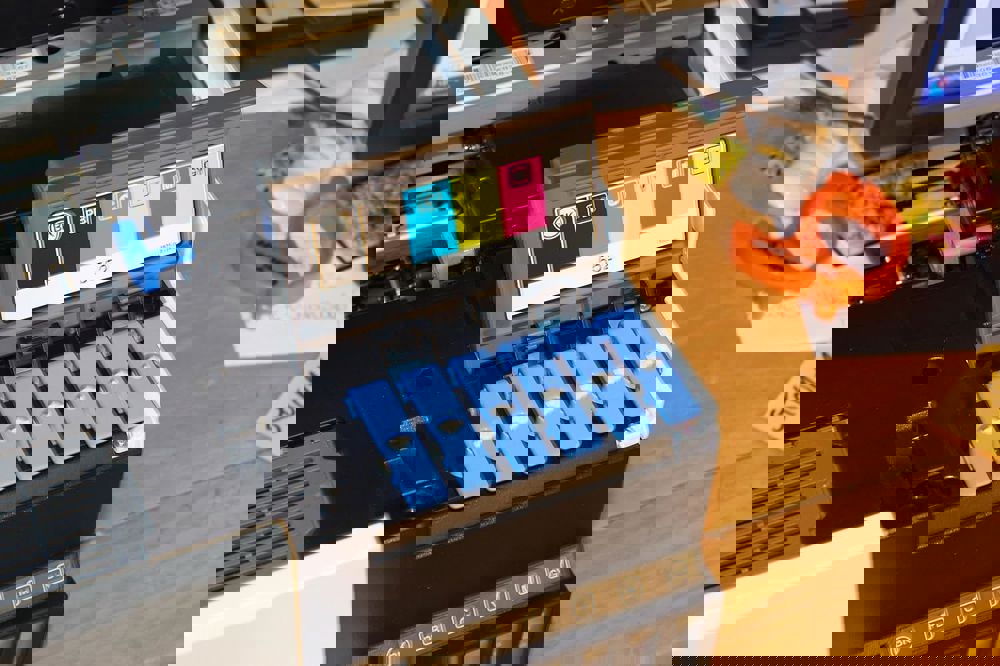


Let me start by saying this printer is a BEAST when it comes to photo quality. The first time I printed a 4x6" photo, I was blown away by the vibrant colors and sharp details - it legit looked like something from a professional lab. The Claria ET Premium 6-color ink system makes a noticeable difference compared to standard 4-color printers.
The convenience factor is huge here. Having separate front trays for photo paper (4x6/5x7) and regular paper eliminates the constant paper-swapping nightmare of single-tray printers. That auto-extending output tray? Chef's kiss perfection when you're printing from another room.
Now for the not-so-great parts: Setup was frustratingly complex. Between the printed guide, LCD prompts, and software installs, I had multiple "Wait, what now?" moments. The WiFi connection process in particular had me wanting to throw things - turns out distinguishing between "l" and "1" in network names matters more than you'd think.
Ink consumption surprised me too. While refill bottles are cheaper long-term, my initial ink levels dropped faster than expected when printing photo-heavy projects. Pro tip: Use the draft setting for test prints before committing to high-quality mode.
The 4.3" touchscreen is fantastic once you learn it, but Epson's software ecosystem feels unnecessarily fragmented. Why are there seven different applications? Some serious UX streamlining needed here.
Bottom line: If you print lots of photos or color documents and can stomach the steep learning curve (and price tag), this delivers stunning results with lower long-term ink costs than cartridge systems. Just clear your schedule for setup day.
 Report
 Share to...


